Choose guided tours, attraction tickets, family routes, and unique activities around the world. Getvoyage helps you plan ahead, book while traveling, and keep mobile tickets close at hand.
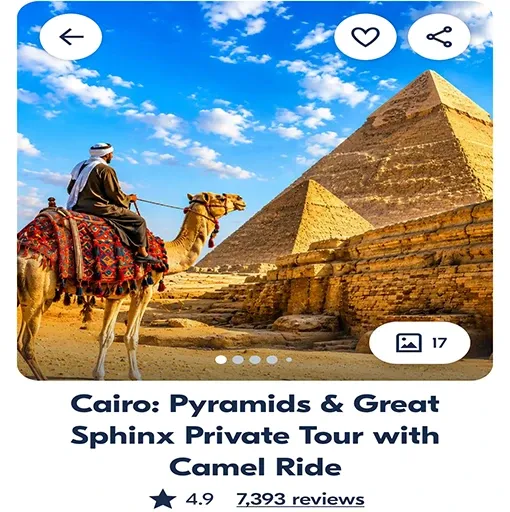

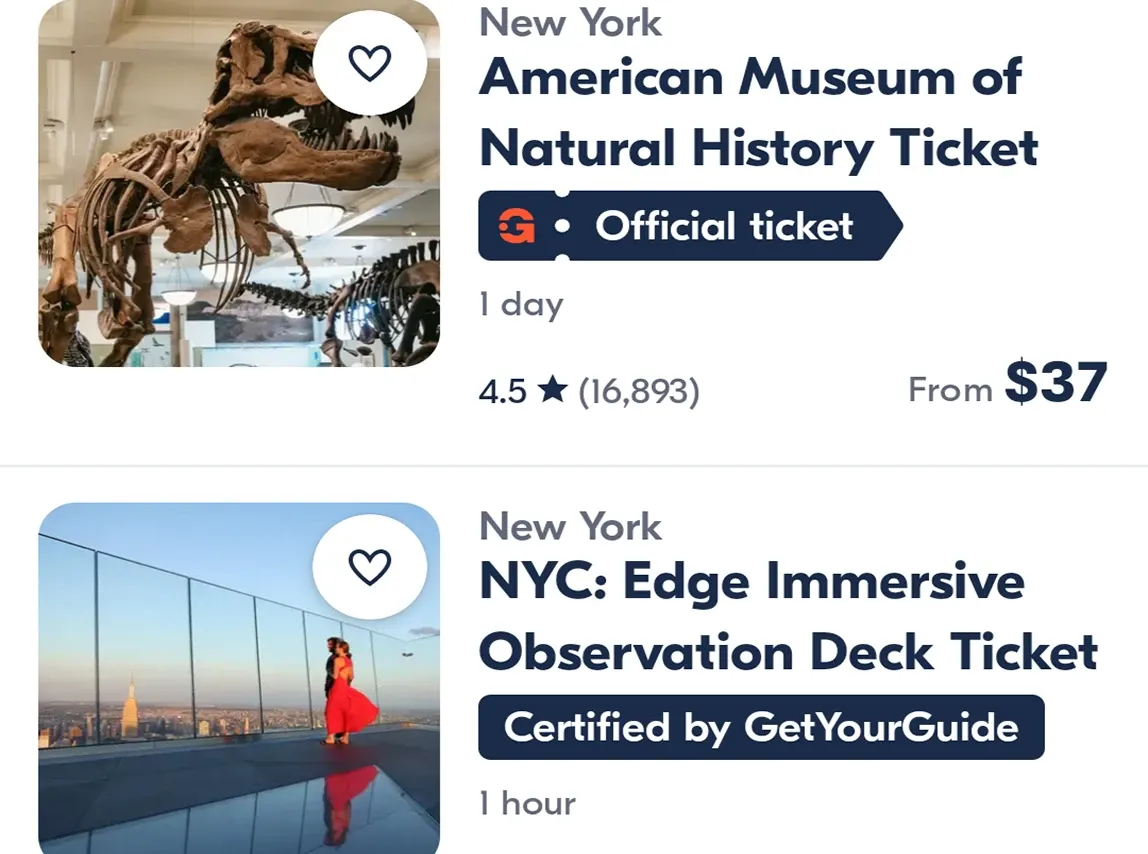

Enter a city, travel dates, and the type of experience you want — the app will show tours, tickets, walks, and popular places.

Receive vouchers and booking details in the app, so you do not have to search your email for confirmations before entry.

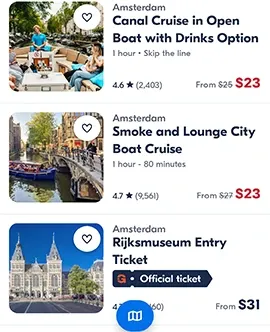
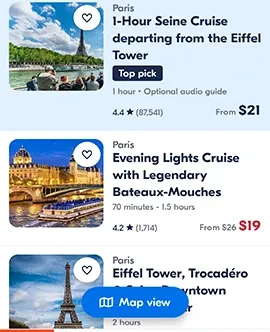
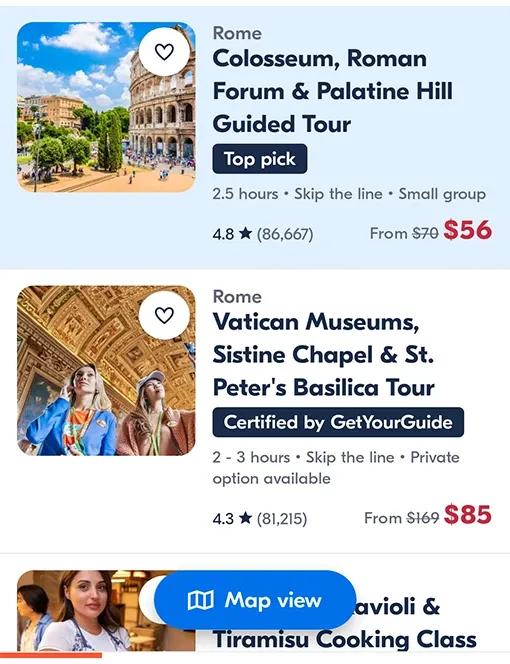
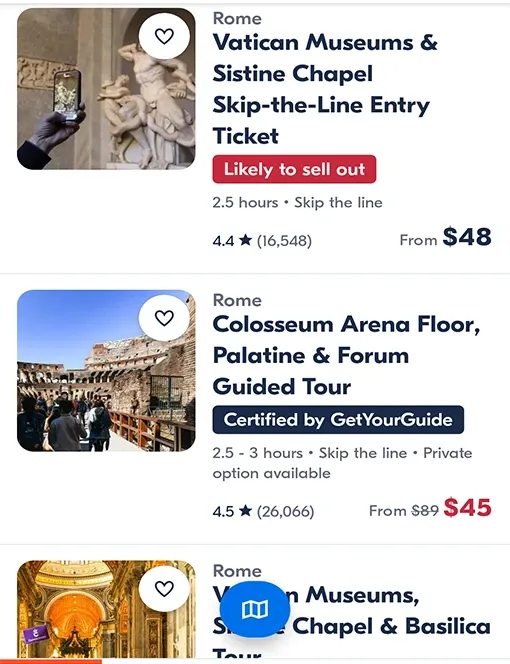
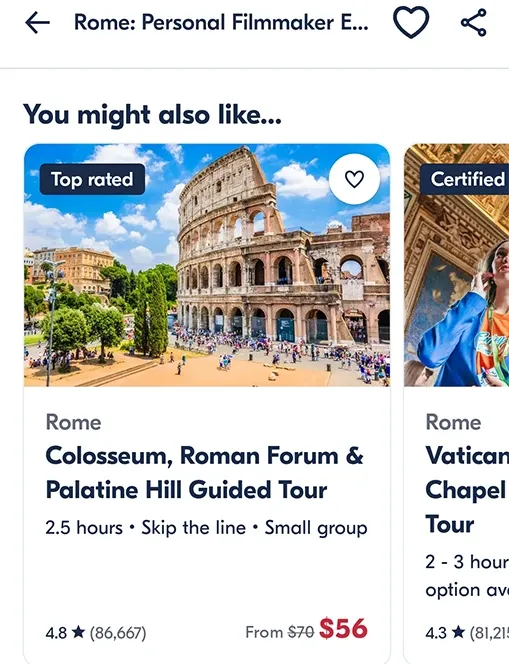
Compare options by description, rating, reviews, and the cancellation terms shown on each offer card.

Find interesting activities near you when plans change during the trip.
Check available tickets and tours for today or the next few days without searching through multiple websites.
Get important notifications about the time, meeting point, organizer contacts, and booking changes.
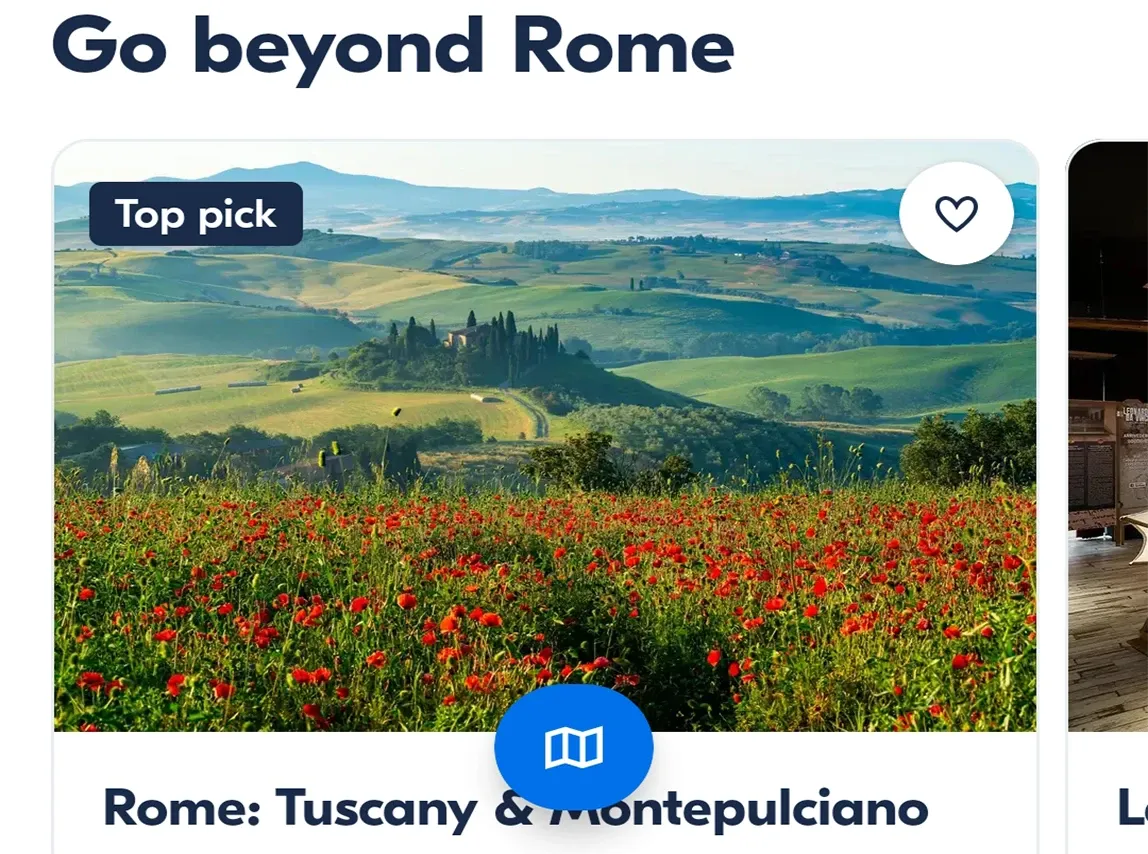
View mobile tickets and upcoming activity details even when the connection is unstable.
Keep tour operator contact information and meeting details for each activity close at hand.
Save your list of upcoming events, addresses, start times, and useful route tips.

Add tours and tickets you like to Favorites so you can return to them before booking.
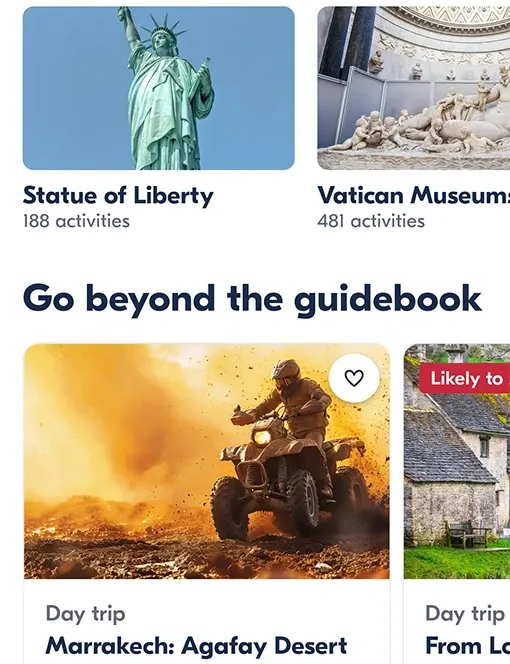
Get collections for family trips, museums, sightseeing tours, walks, and unusual experiences.
Plan a full vacation, a short weekend, a business trip, or a free day in a new city.

Enter the city or country you are visiting and browse available tours, tickets, walks, and day trips.


Open the description, rating, reviews, start time, meeting point, and cancellation terms. Save interesting ideas to Favorites.
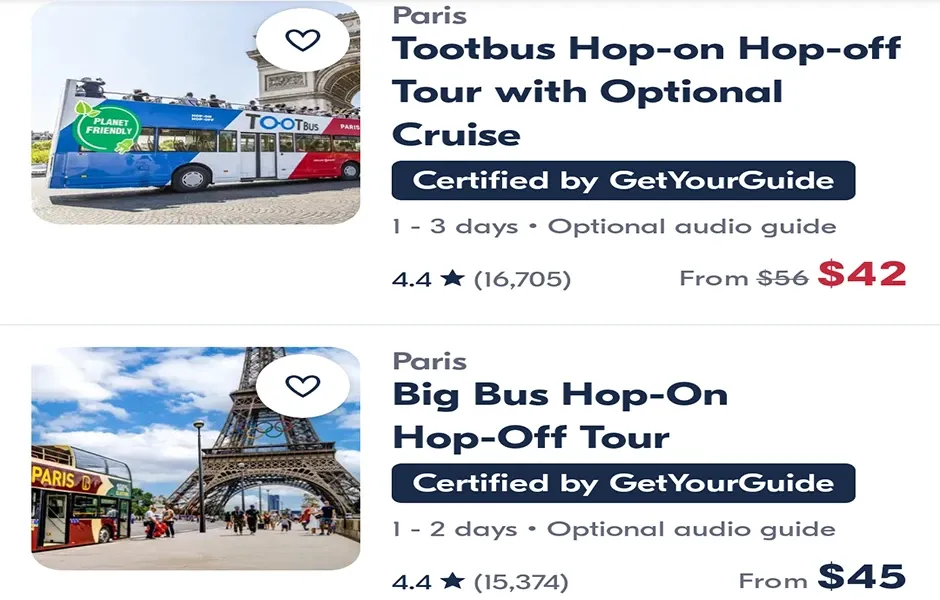

After booking, trip details stay in the app: ticket, address, route, organizer contacts, and your list of upcoming activities.

Choose from thousands of guided tours, entry tickets, sightseeing routes, family trips, and local experiences.
Learn more
Compare options, read reviews, save ideas to Favorites, and book in advance or while already on the road.
Learn more
Keep mobile tickets, organizer contacts, meeting point addresses, and booking updates directly in the app.
Learn moreGetvoyage uses permissions that help show nearby offers, open mobile tickets, save booking files, and use the camera for confirmations or documents when a travel scenario requires it.



Tickets, addresses, and booking details stay close at hand before the activity begins.

Geolocation helps find nearby tours, tickets, and routes during the trip.



It is convenient to view nearby tours and immediately see the meeting point. In Rome, I found an evening walk after landing, and the ticket stayed in the app.
City walk • mobile ticket
I used Getvoyage for a family trip. I saved several options to Favorites, compared reviews, and chose a museum ticket without extra back-and-forth.
Family trip • museum
The upcoming activities list is a real help. You open the app and see the start time, address, organizer contacts, and ticket.
Route • reminders
For short trips, it is convenient to book both in advance and on the spot. I found a nearby day tour and reached the meeting point without rushing.
Day tour • nearby
I liked the family collections. I did not have to search separately for child-friendly activities or check how long each route takes.
Family route • collections
I bought tickets to a popular gallery. The app had the terms, entry time, and reminder, so nothing got lost.
Tickets • entry time
Getvoyage helps me avoid jumping between a dozen websites. I opened the city, checked reviews, saved ideas, and chose the right tour.
Favorites • reviews
During a business trip, I found a short tour for a free evening. It helps that the app shows options by time and location.
Business trip • evening
The mobile ticket and route to the meeting point were in one place. That is especially useful when internet access is unstable while traveling.
Mobile ticket • route
I was looking for a walk through the old district without much preparation. The tour card had the description, duration, and starting point, so I quickly knew whether it was right for me.
Walking tour • description
My plans changed during the trip, and I found a ticket for the same day. Time filters helped me avoid spending the evening on endless searching.
Last-minute ticket • filters
I booked a food route for friends. It was useful to read reviews in advance and understand what pace to expect from the walk.
Food tour • friends
I saved several ideas before the trip and chose once I was there. I liked that format: you have a plan, but still keep flexibility.
Favorites • flexible plan
For a family trip, it is important to see cancellation terms and age recommendations. In Getvoyage, that information is not buried deep.
Family • cancellation terms
I used the app in two cities in a row. Tickets, addresses, and organizer contacts did not get mixed up — everything was organized by date.
Multiple cities • schedule
I liked being able to quickly compare several museums by entry time. In the end, I chose an option near the hotel.
Museums • time selection
I usually collect ideas in notes, but this is more convenient: I save activities, view details, and return to them before booking.
Trip ideas • saved items
Before the tour, I opened the app and checked the meeting point again. It is a small thing, but very helpful in an unfamiliar city.
Meeting point • check
I booked a sightseeing tour in advance. I liked that the ticket was on my phone and the main details were available without extra emails.
Attractions • ticket
I use Getvoyage when I have a free window during a trip. I open the city, view nearby options, and choose by duration.
Free time • nearby
Other travelers’ reviews matter to me. Here it is easy to compare impressions first and then move on to booking.
Reviews • comparison
During a layover, I found a short city route. Without the app, I would have just spent several hours at the airport.
Layover • short route
I liked that booking does not feel chaotic. The description, rules, start time, and ticket are collected on one card.
Booking • details
For a day trip, I chose a tour with a convenient departure time. The reminder arrived on time, and the route to the meeting point was close at hand.
Day trip • reminder
With children, it is especially important not to misjudge the duration. In Getvoyage, it is easy to read the activity description and choose a comfortable pace.
Traveling with children • pace
I like looking beyond famous places. The collections include small tours that are hard to find through ordinary search.
Local routes • collections
Before leaving, I saved the ticket and checked the organizer contact. Even when the connection was weak, the details I needed were already at hand.
Offline details • contact







 App version: 26.29.1